How it works
Get started growing your mullet.
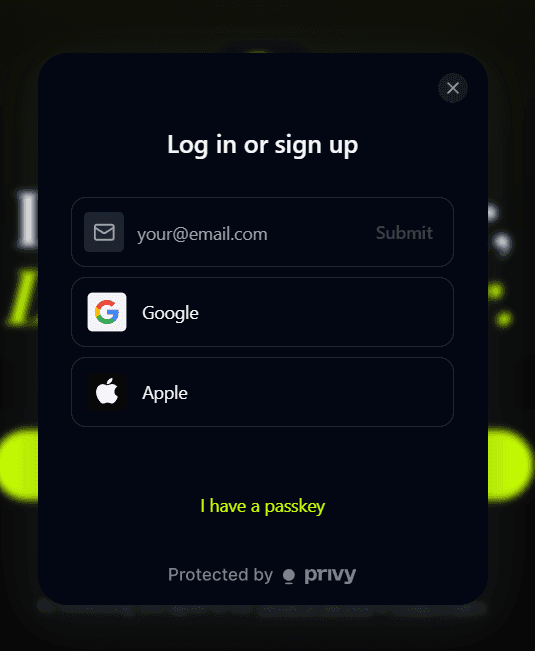
Create your account
Sign up in a few clicks with Google, Apple, or email. Mullet creates a secure account for you automatically.
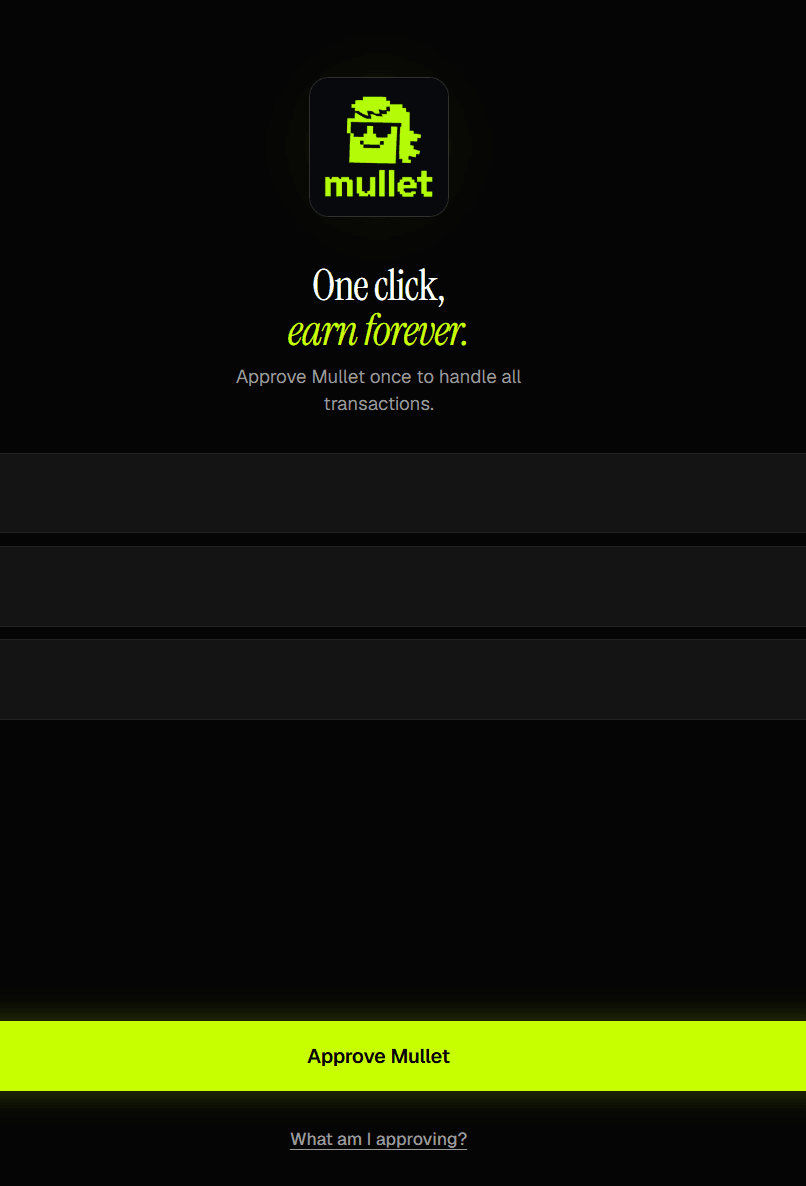
Approve Mullet once
One tap lets Mullet handle complex transfers and transactions for you, so you never need to deal with multi-step wallet flows or gas again. Your money stays in your control — Mullet never holds it.
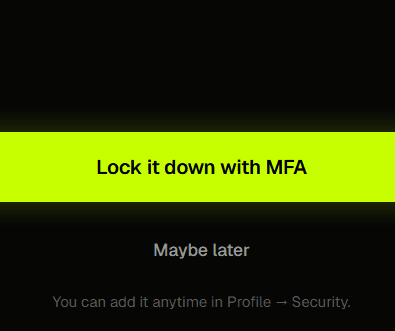
Secure your account
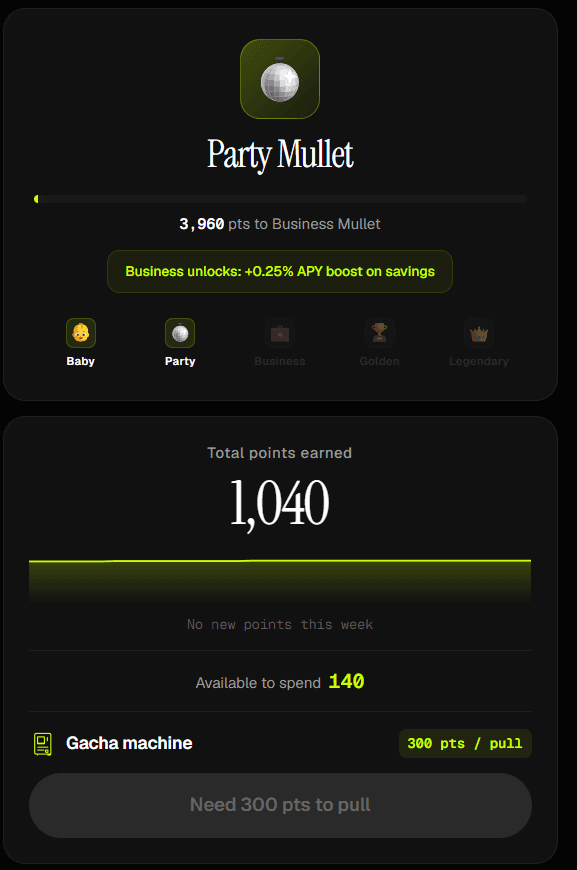
Add a second factor. Passkey (Face ID / Touch ID) is recommended, or use an authenticator app. Then back up your recovery key so you're never locked out. Backing up even earns you Mullet Points.
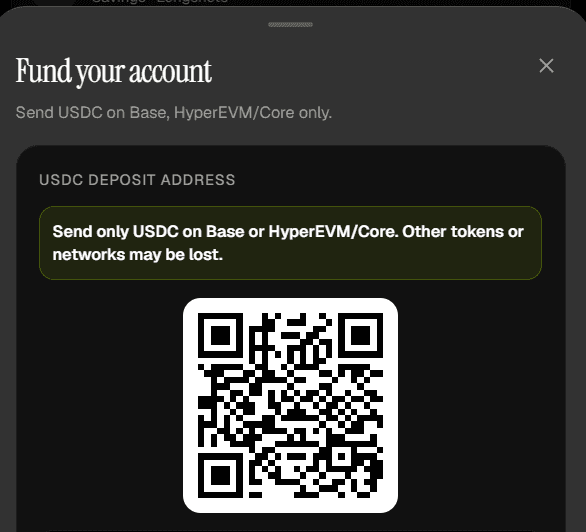
Add USDC
Deposit USDC and your balance starts earning yield immediately. No lockups — withdraw or move to trade whenever you want.
Let Mullet work
Yield compounds your balance, Longshots lets you take leveraged risk, and Mullet Points stack up daily.
Supported Chains
- Base
- HYPE
- More soon
Self-custody, always
Mullet never takes possession of your funds. Approved actions are narrowly scoped, and you can revoke them anytime. More in Security & Trust.